
Set up the Slack integration app
- Navigate to https://api.slack.com/apps
- Click Create new app
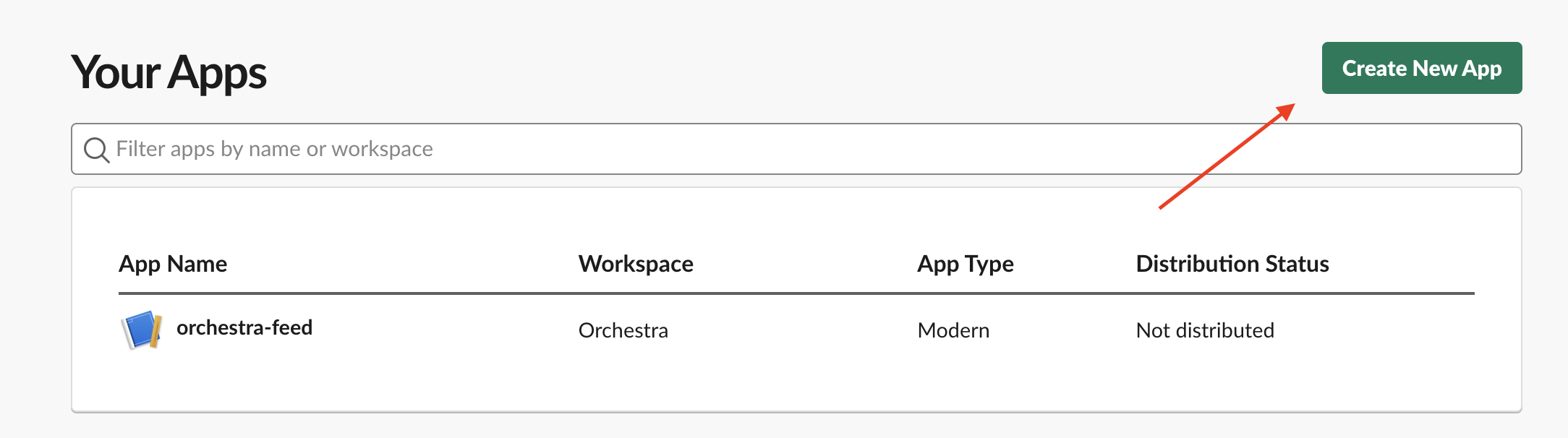
- Select From scratch in the modal. Follow the remaining instructions to add a name and select the appropriate workspace for the app.
- From the newly created app’s page, select Incoming webhooks from the left navigation panel
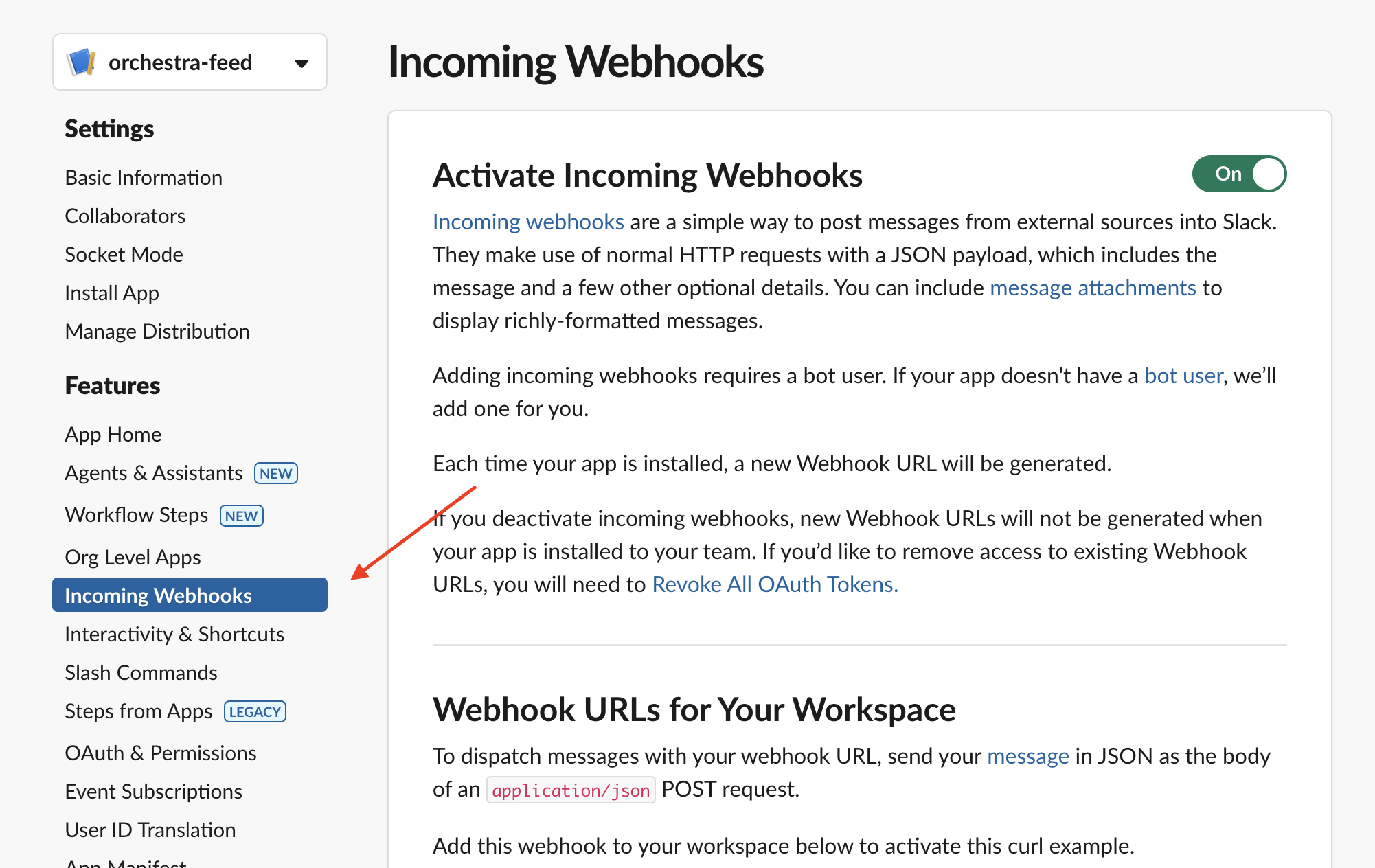
- From the Incoming webhooks page, click on Add new Webhook to Workspace and choose the channel you want to receive notifications in.
- Copy the generated webhook URL
Configure the channel for an individual program
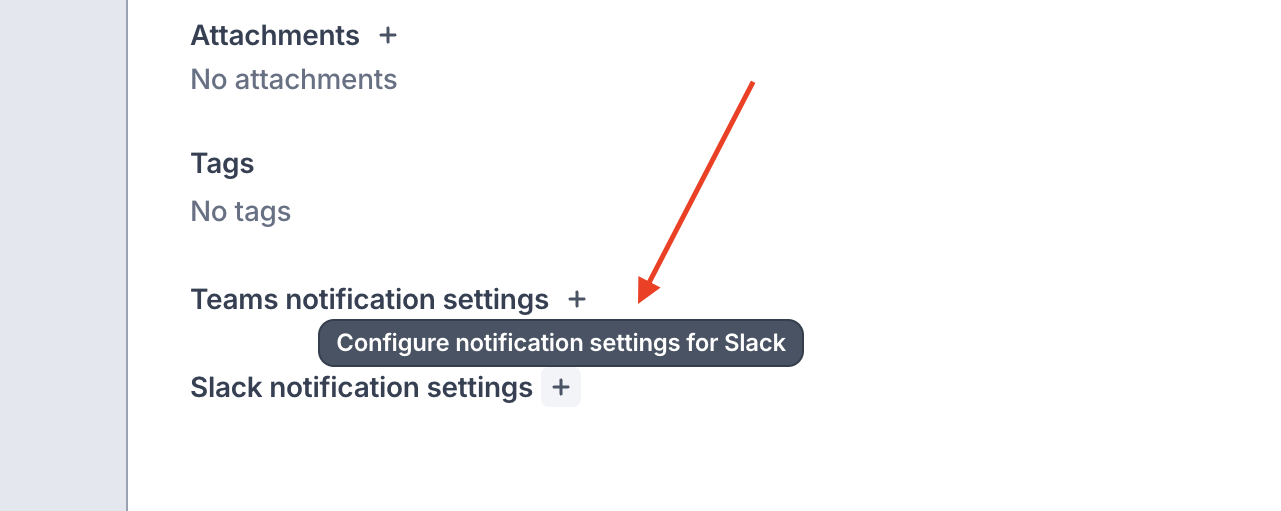
- Go to the program’s Program Overview tab and click the + next to Slack notification settings
- Paste in the copied URL, turn on the toggle, and click Save.
Configure the channel for all notifications
Only organization admins can set up the Slack integration for all notifications
- Go to your Organization Settings (from your avatar)
- Click the
...on the Slack row > Update. Paste in the copied URL.