Refresh your browser to see the latest product updates and bug fixes
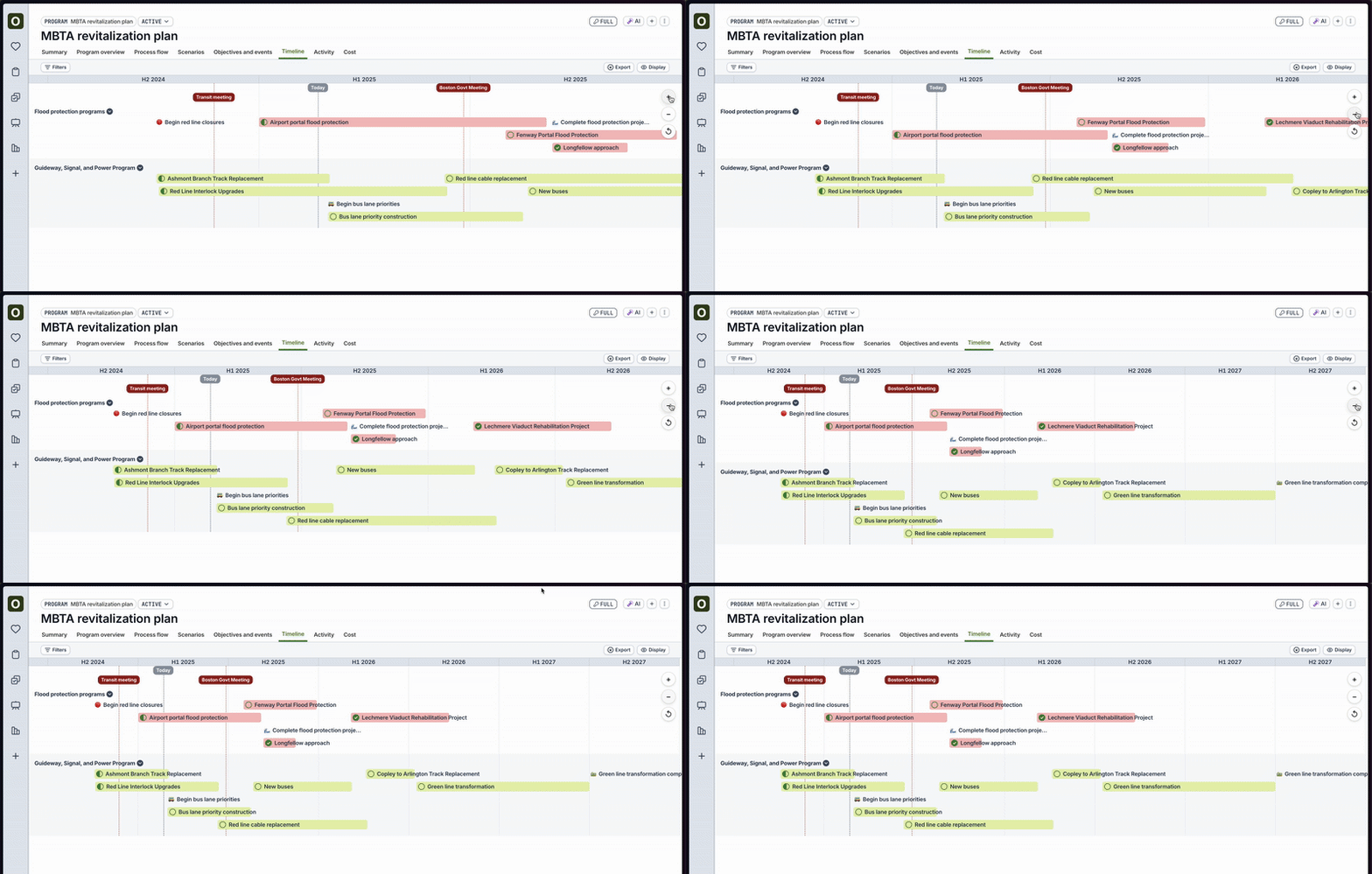
Timeline zoom
- Use the + / - buttons on the right side of the Timeline tab for a Project or a Program to more conveniently zoom in and out of the timeline
Visual polish for timeline expansion
- Timeline bars now truncate text less than before
- Timeline expansion first expands into the sub-project’s stage, and then the stage’s tasks
- Visual polish for the timeline’s highlight modes
[Opt-in beta customers only] AI beta improvements
Reach out to us if you would like to participate in the beta
- Now uses Google’s Gemini 1.5 Pro to provide more detailed responses
- Conversation threading and conversation history are now available
- For Key Events, click on “Progress Report” to view a report of key risks and recommendations for a given key event
Bug fixes
- Fixed bug where merging scenarios or creating scenarios occasionally caused errors
- Fixed bug where inviting users to a program or project would occasionally cause errors
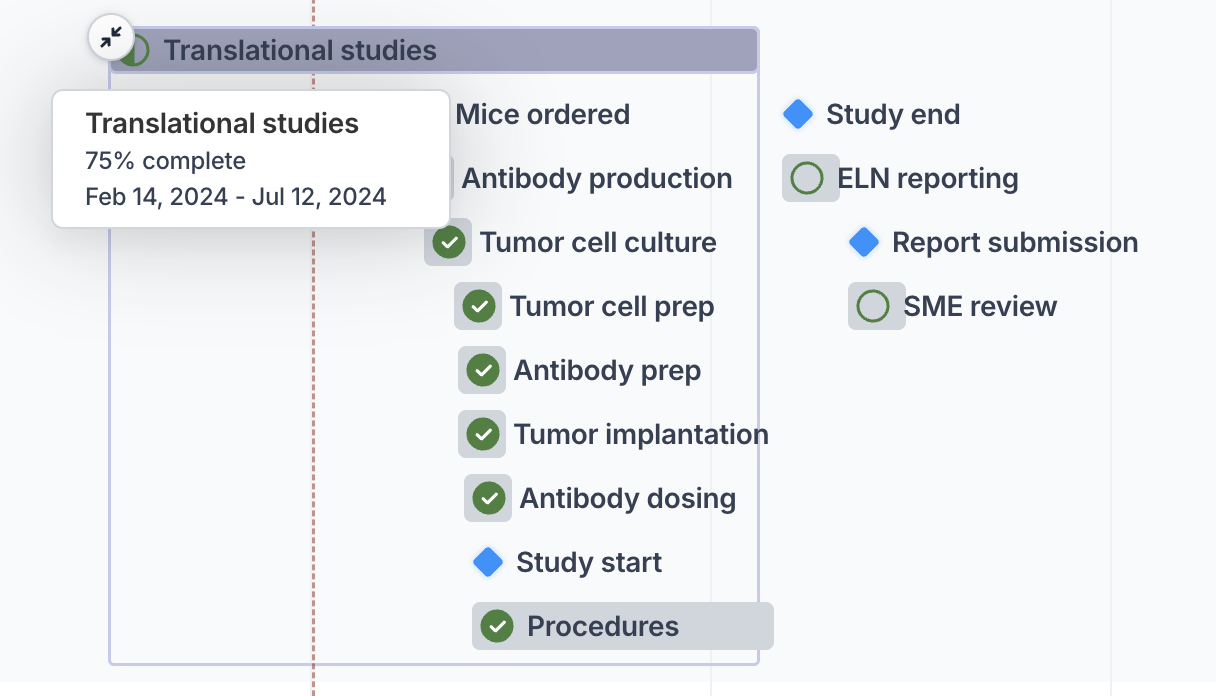
Expand timeline bars with sub-tasks
- The timeline tab for projects and programs now allows you to expand the bar if the task or objective has a linked project with tasks
- See Link projects to program plans for more details on how to link a project
[Opt-in only] Orchestra AI beta now available
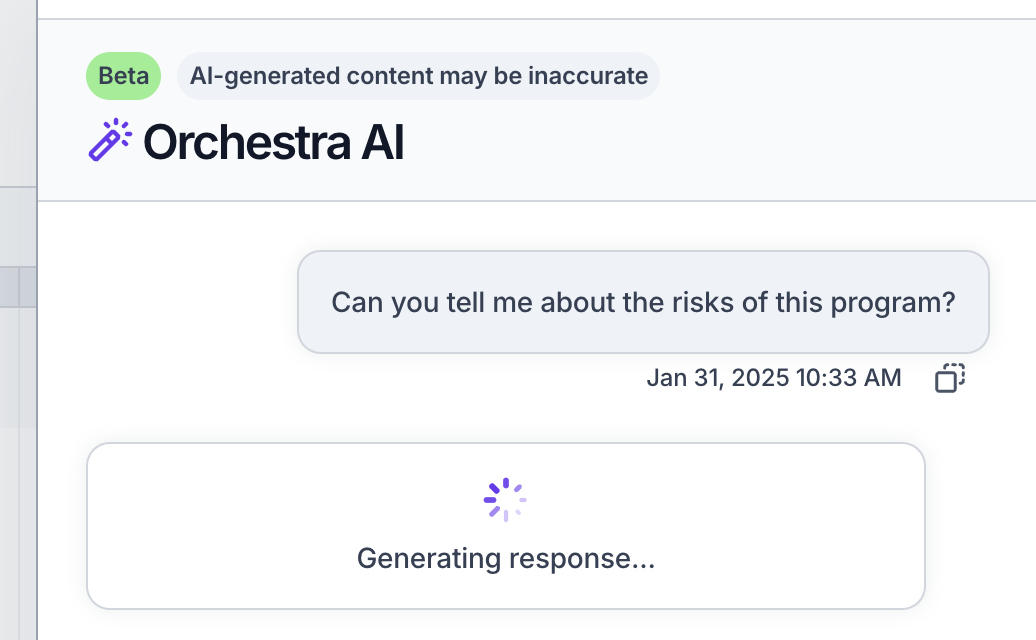
- We have launched a beta of an AI Q&A chatbot to ask questions about your programs
- Reach out to us if you are interested in trying it out for more information
- Example questions you can ask the Q&A bot include:
- “What risks do I have in my program?”
- “Give me a meeting agenda for my upcoming board meeting”
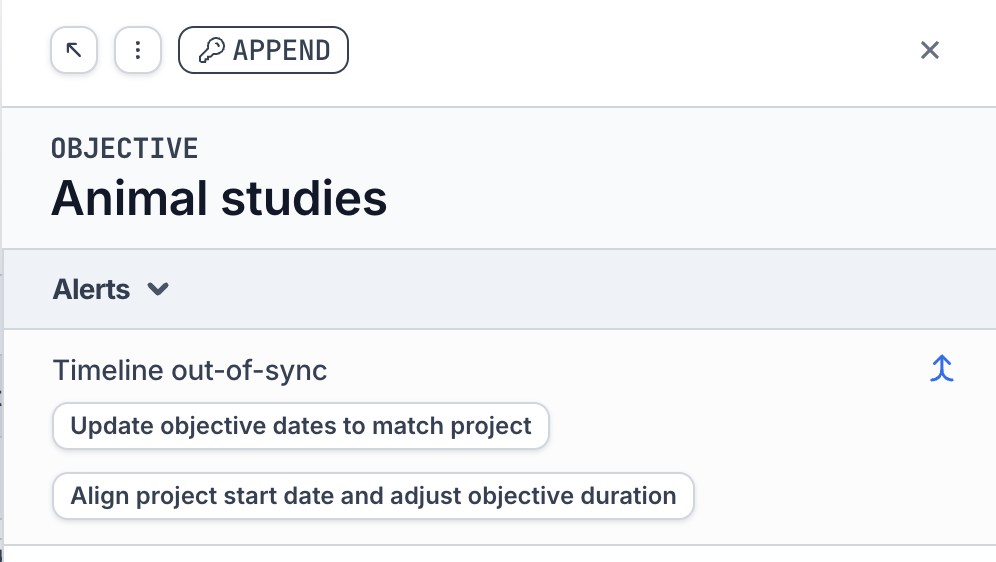
Align project tasks to objective dates
Use this feature when the dates of the objective have changed, and you want to update the dates of its project’s tasks
- Clicking Align project start date and adjust objective duration will shift all of the tasks in the project (and sub-tasks within it) such that the start date of the project matches the start date of the objective. It will also match the objective’s duration to the project’s duration.
- All tasks and sub-tasks within the project must be in a “Pending” state for this action to be allowed
New notification type
- Added a new type of notification for when the date of a task has changed and you are the assignee or stakeholder
- Note that you must enable this notification via your Settings. Previously selected notification settings may need to be manually updated.
Bug fixes
- Fixed bug where the end date was not always saving properly upon entry
- Fixed bug where bulk actions on All Tasks page was not always working properly
- Fixed bug where key events were sometimes slightly off in the timeline