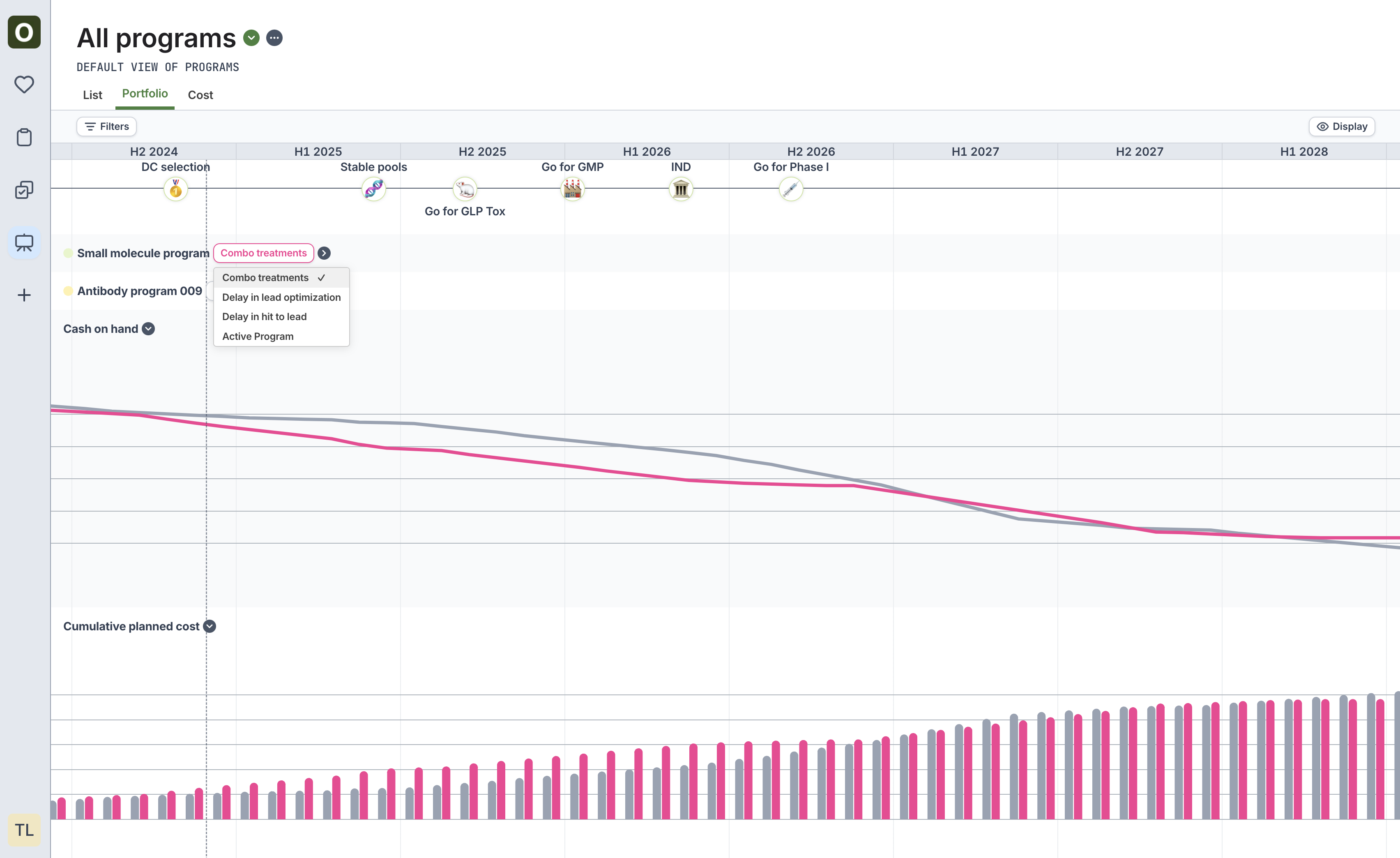
- Navigate to the Programs sidebar icon, and click the Portfolio tab.
- Click on Active program next to the program name, and choose the scenario to visualize.
- View the cost comparison at the bottom of the portfolio page to see a side-by-side comparison of cost for all active programs vs. the selected options.