Key terms
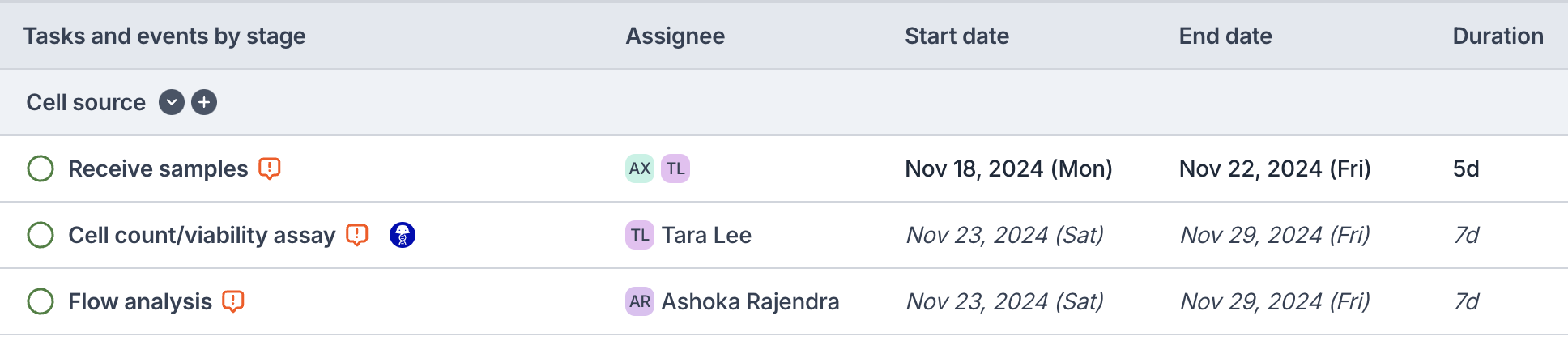
Project
Represents a set of work that contains tasks that need to be assigned and tracked. Typically spans weeks or months. (e.g., Protein Core Production)
Stage
A group of Tasks within a project (e.g., Sequencing)
Task
A unit of work that can be assigned to an individual. A task can be linked to a Benchling entry (see Linking entries to Benchling)
Key event
A milestone within the project. These can be associated with an emoji. (e.g., Hits picked)
Create a new project
- Use the
+button from the left sidebar to create a new blank project - Navigate to the Project overview tab to adjust any necessary metadata
- Use the
...button > Project program at the top-right to adjust the permissions settings- By default, the creator will have Full access to the project, and the rest of the organization will have Append access (can edit, but not delete the project)
Copy a project
- Use the
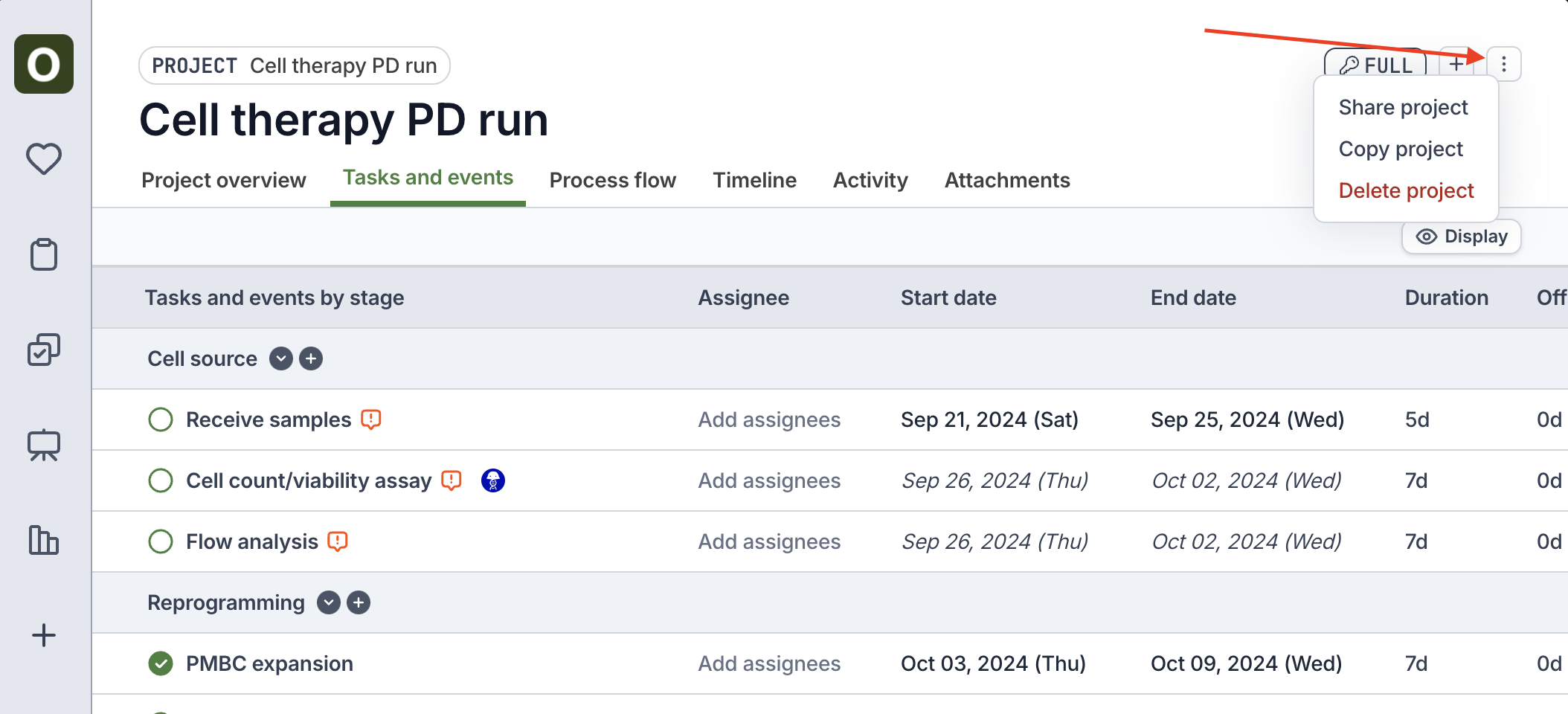
...button > Copy project at the top-right - Orchestra will copy over all of the tasks, key events, dependencies, durations, assignees, and costs from the original project
Edit a project
- Rename the project or a stage by clicking into its name
- Add a new stage by clicking the
+button at the top-right - Add a new task or key event by clicking the
+button at the top-right or the+button next to one of the stages- Reorder the tasks and key events by dragging the row from the left handle
Set dates and dependencies
There are a few methods to set dependencies between tasks and key events:- From the table view, directly click into one of the dependency columns to add upstream/downstream dependencies
- Click into a task / key event, and update the dependency field from the sidepanel
- Use the Process flow tab
- Click on the edges of the tasks / key events to drag and drop a dependency line
- Click on a line to reveal the trash icon to delete it