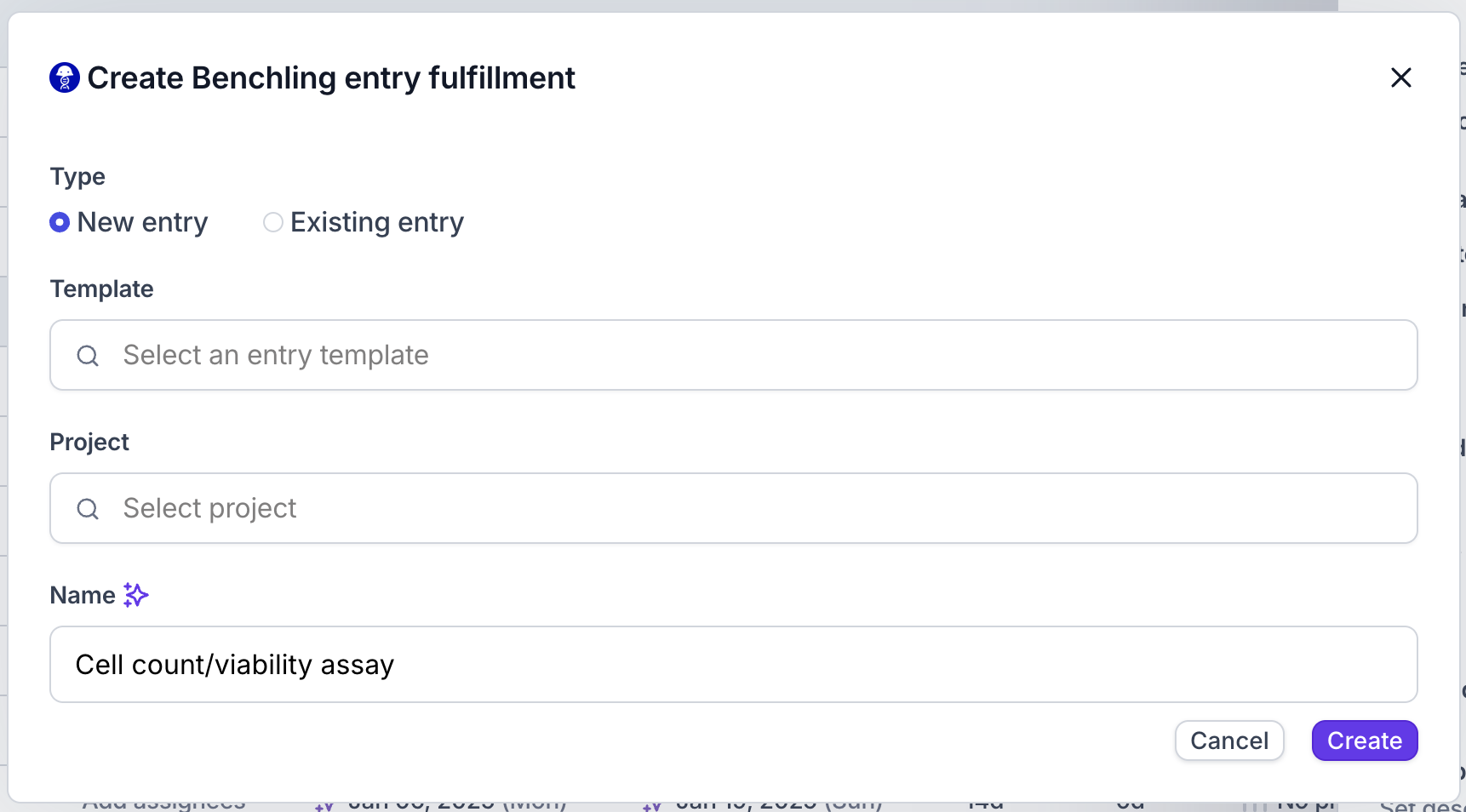
The Benchling integration must be enabled. Contact support@orchestra.bio if you have questions.
- Open the task sidepanel and click Add method > Benchling entry under the Fulfillment section
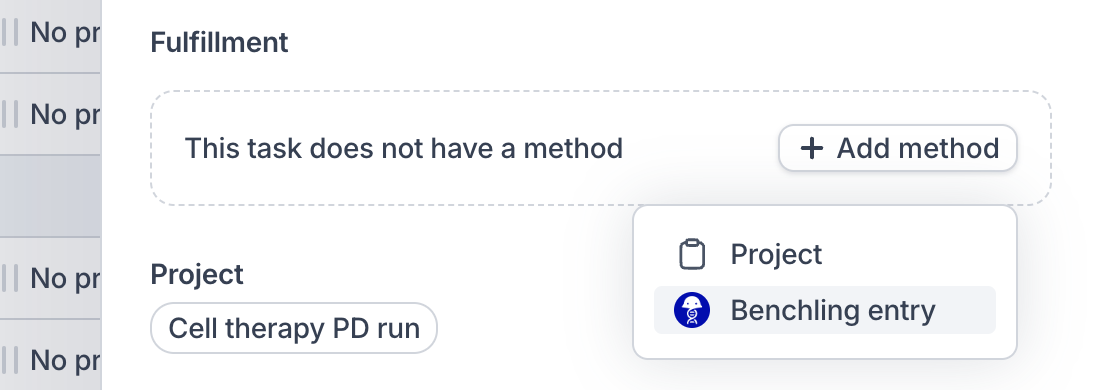
- Click Create to open the modal to add a Benchling entry
- To create a new entry in Benchling, select which Benchling entry template you would like to use, and which Benchling project you want to put it in. The name of the entry will default to the name of the task, but can be overwritten
- To link an existing Benchling entry to the task, choose Existing entry and paste in the URL from the Benchling entry’s browser tab
- A preview of the linked Benchling entry will appear under Fulfillment.