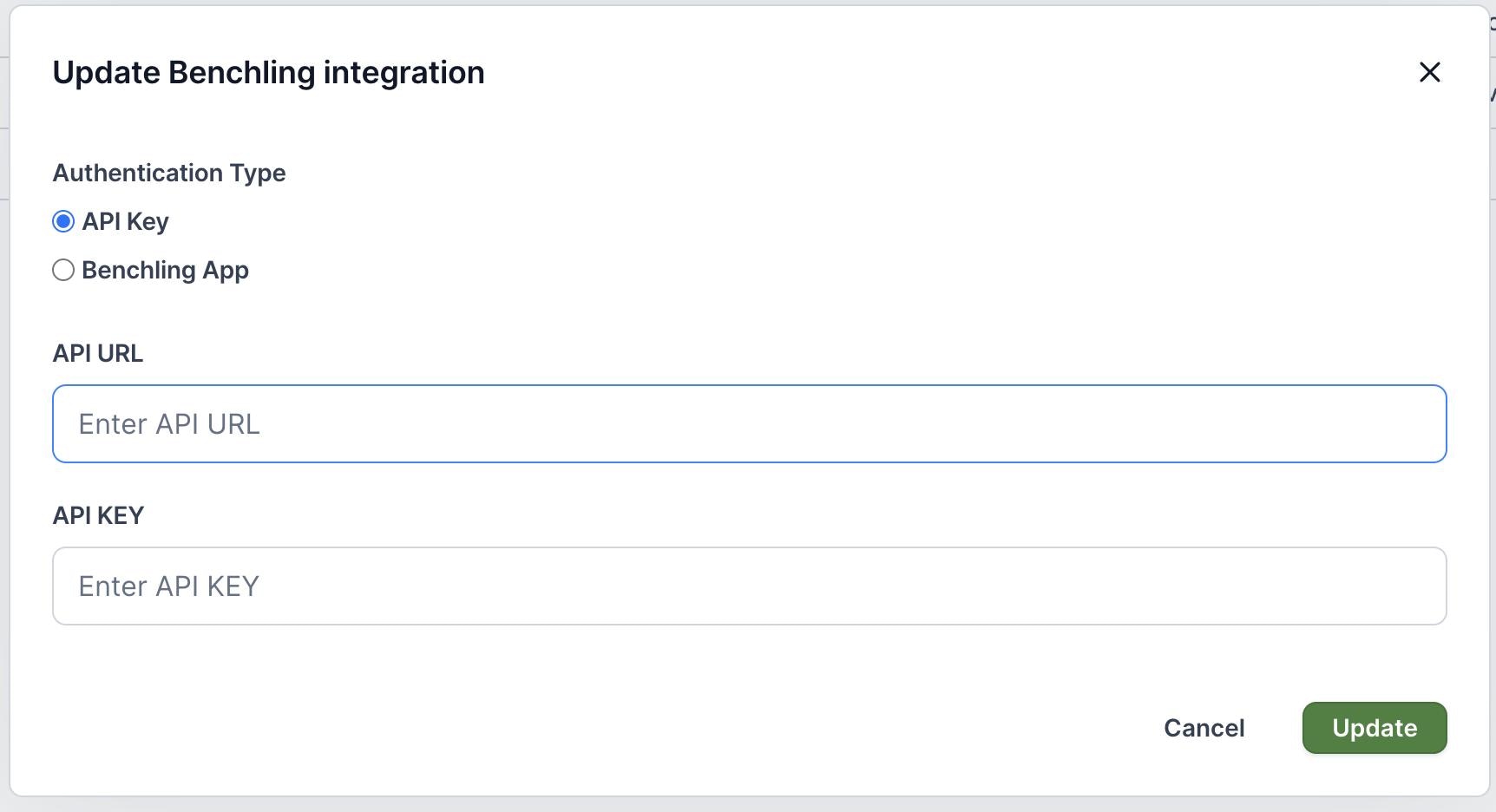
Only Orchestra Admins can set up the Benchling integration. Reach out to your Orchestra Admin or to support@orchestra.bio for assistance.
- From your avatar, click Organization settings and go to the Integrations tab
- On the Benchling row, click the
...menu and click Update
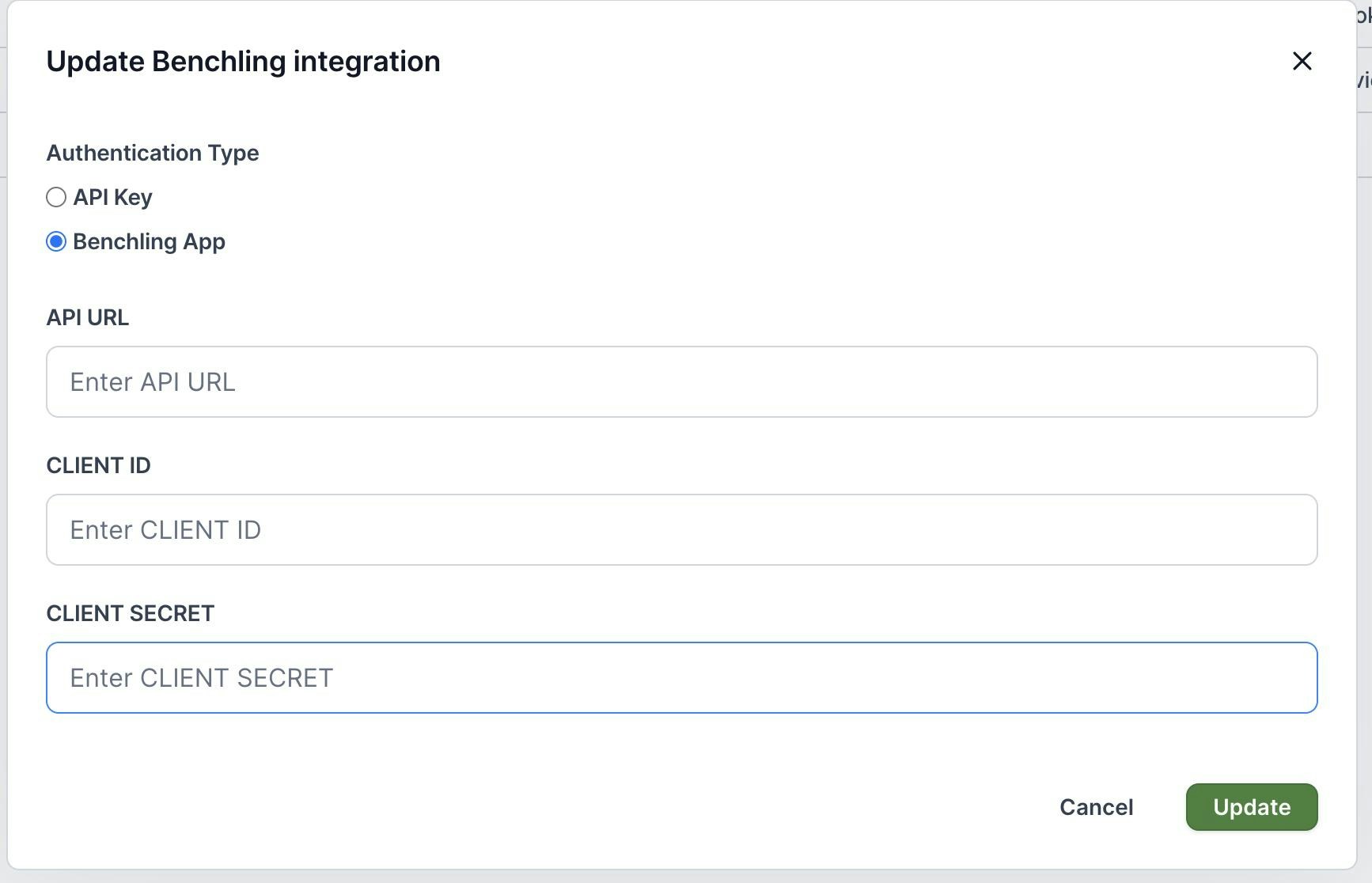
Integration via Benchling App
- Select Benchling App and enter in the Benchling API URL (e.g.,
https://YOUR-ORG.benchling.com/api/v2) - Enter the Client ID and Client Secret (which can be found using this article)
- Give the Benchling App permissions to the appropriate Benchling projects where entries will be linked from
Integration via user account API
- If you are integrating using an Integration User account, select API Key
- Enter in the Benchling API URL (e.g.,
https://YOUR-ORG.benchling.com/api/v2) and the integration user’s API key.