> ## Documentation Index
> Fetch the complete documentation index at: https://docs.orchestra.bio/llms.txt
> Use this file to discover all available pages before exploring further.
# Slack integration
Create a feed of Orchestra updates in a Slack channel.
## Set up the Slack integration app
The Slack integration can be set up for **all notifications** or for an **individual program's notifications**. Set up the Slack channel accordingly.
1. Navigate to [https://api.slack.com/apps](https://api.slack.com/apps)
2. Click **Create new app**
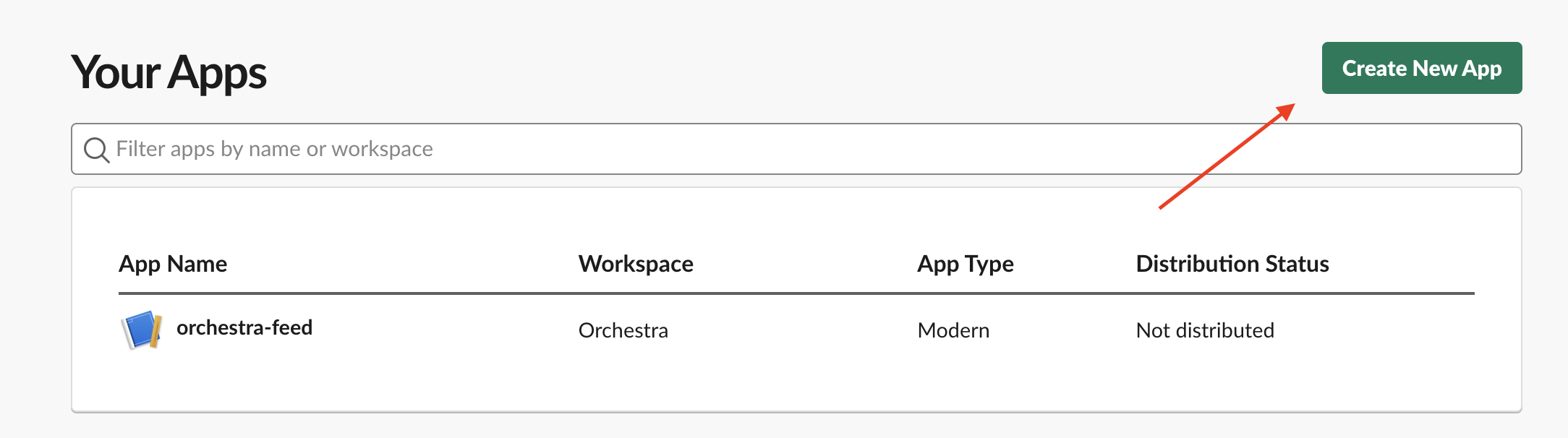 3. Select **From scratch** in the modal. Follow the remaining instructions to add a name and select the appropriate workspace for the app.
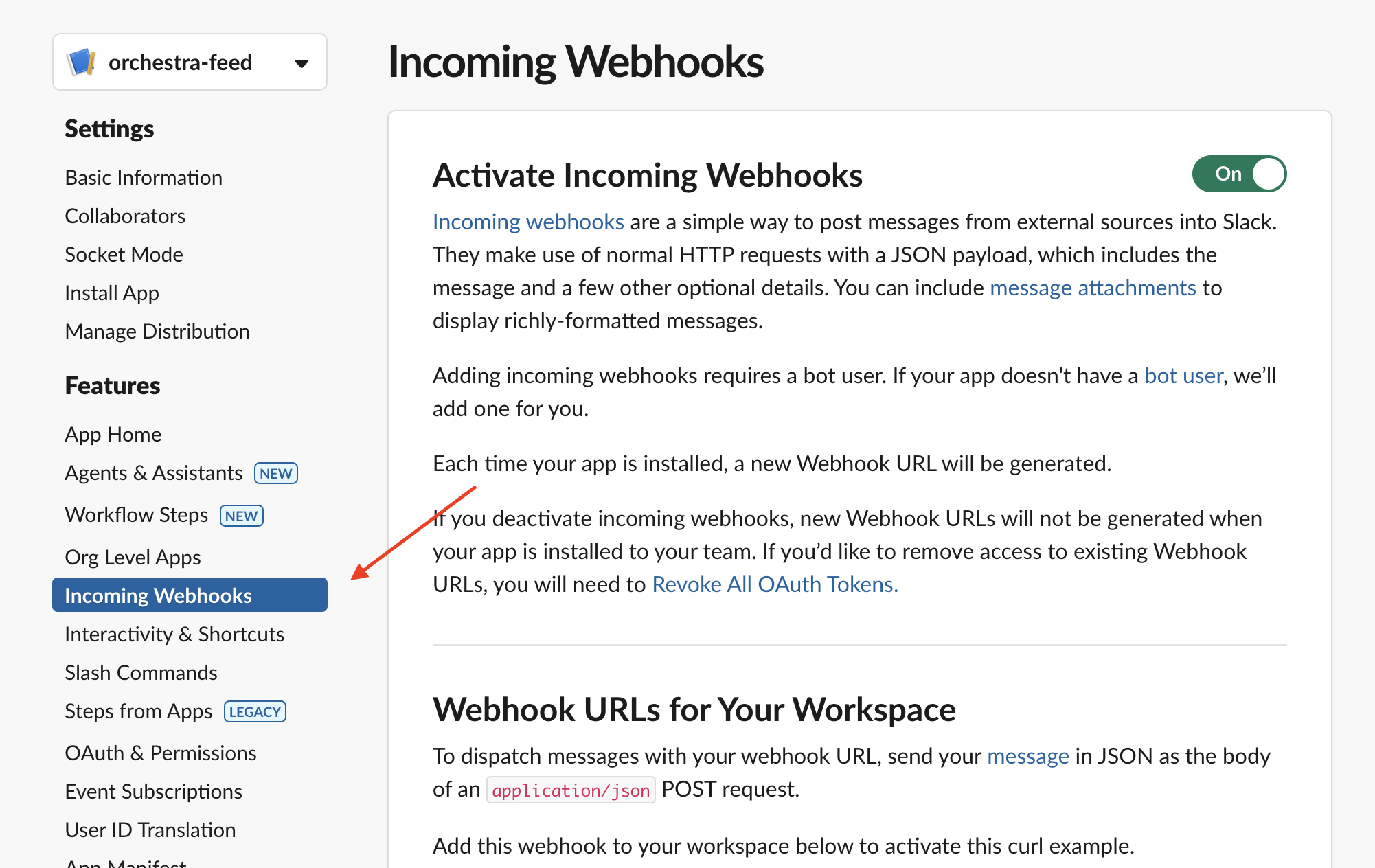
4. From the newly created app's page, select **Incoming webhooks** from the left navigation panel
3. Select **From scratch** in the modal. Follow the remaining instructions to add a name and select the appropriate workspace for the app.
4. From the newly created app's page, select **Incoming webhooks** from the left navigation panel
 5. From the Incoming webhooks page, click on **Add new Webhook to Workspace** and choose the channel you want to receive notifications in.
6. Copy the generated webhook URL
### Configure the channel for an individual program
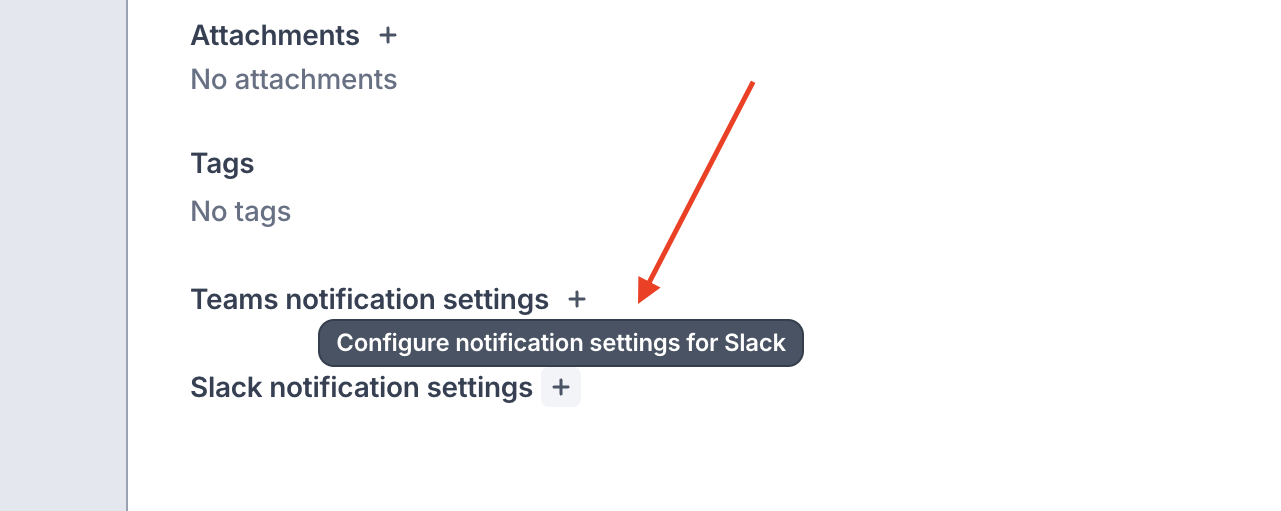
1. Go to the program's **Program Overview** tab and click the + next to **Slack notification settings**
2. Paste in the copied URL, turn on the toggle, and click Save.
5. From the Incoming webhooks page, click on **Add new Webhook to Workspace** and choose the channel you want to receive notifications in.
6. Copy the generated webhook URL
### Configure the channel for an individual program
1. Go to the program's **Program Overview** tab and click the + next to **Slack notification settings**
2. Paste in the copied URL, turn on the toggle, and click Save.
 ### Configure the channel for all notifications
Only organization admins can set up the Slack integration for all notifications
1. Go to your **Organization Settings** (from your avatar)
2. Click the `...` on the Slack row > **Update**. Paste in the copied URL.
### Configure the channel for all notifications
Only organization admins can set up the Slack integration for all notifications
1. Go to your **Organization Settings** (from your avatar)
2. Click the `...` on the Slack row > **Update**. Paste in the copied URL.