> ## Documentation Index
> Fetch the complete documentation index at: https://docs.orchestra.bio/llms.txt
> Use this file to discover all available pages before exploring further.
# Benchling integration
Only Orchestra Admins can set up the Benchling integration. Reach out to your Orchestra Admin or to [support@orchestra.bio](mailto:support@orchestra.bio) for assistance.
1. From your avatar, click **Organization settings** and go to the **Integrations** tab
2. On the Benchling row, click the `...` menu and click **Update**
### Integration via Benchling App
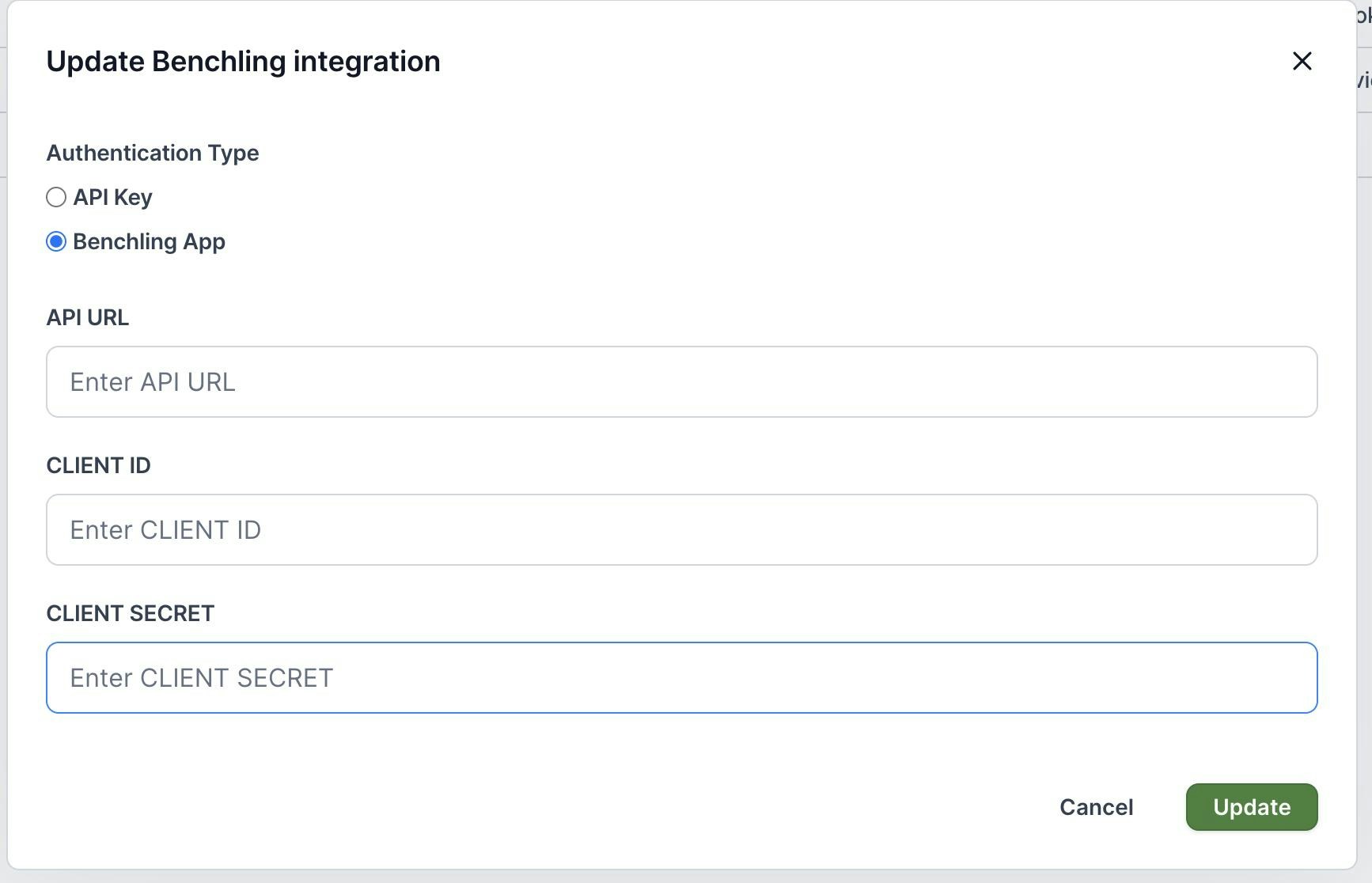
* Select **Benchling App** and enter in the Benchling API URL (e.g., `https://YOUR-ORG.benchling.com/api/v2`)
* Enter the Client ID and Client Secret (which can be found using this [article](https://docs.benchling.com/docs/getting-started-benchling-apps#getting-credentials))
* Give the Benchling App permissions to the appropriate Benchling projects where entries will be linked from
 ### Integration via user account API
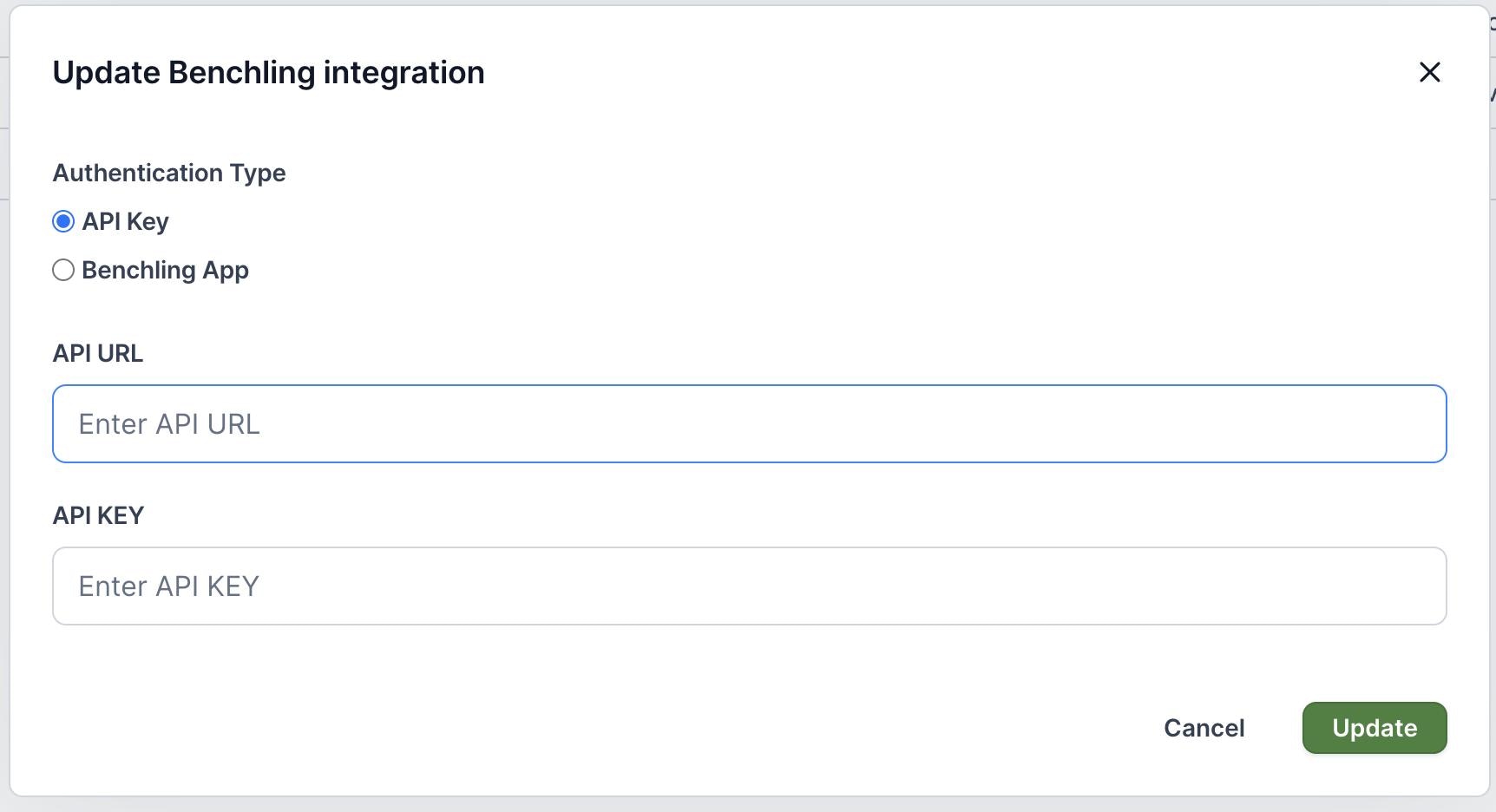
* If you are integrating using an Integration User account, select **API Key**
* Enter in the Benchling API URL (e.g., `https://YOUR-ORG.benchling.com/api/v2`) and the integration user's API key.
### Integration via user account API
* If you are integrating using an Integration User account, select **API Key**
* Enter in the Benchling API URL (e.g., `https://YOUR-ORG.benchling.com/api/v2`) and the integration user's API key.